Pocket Portraits: Pro iPhone Photography for People on the Go
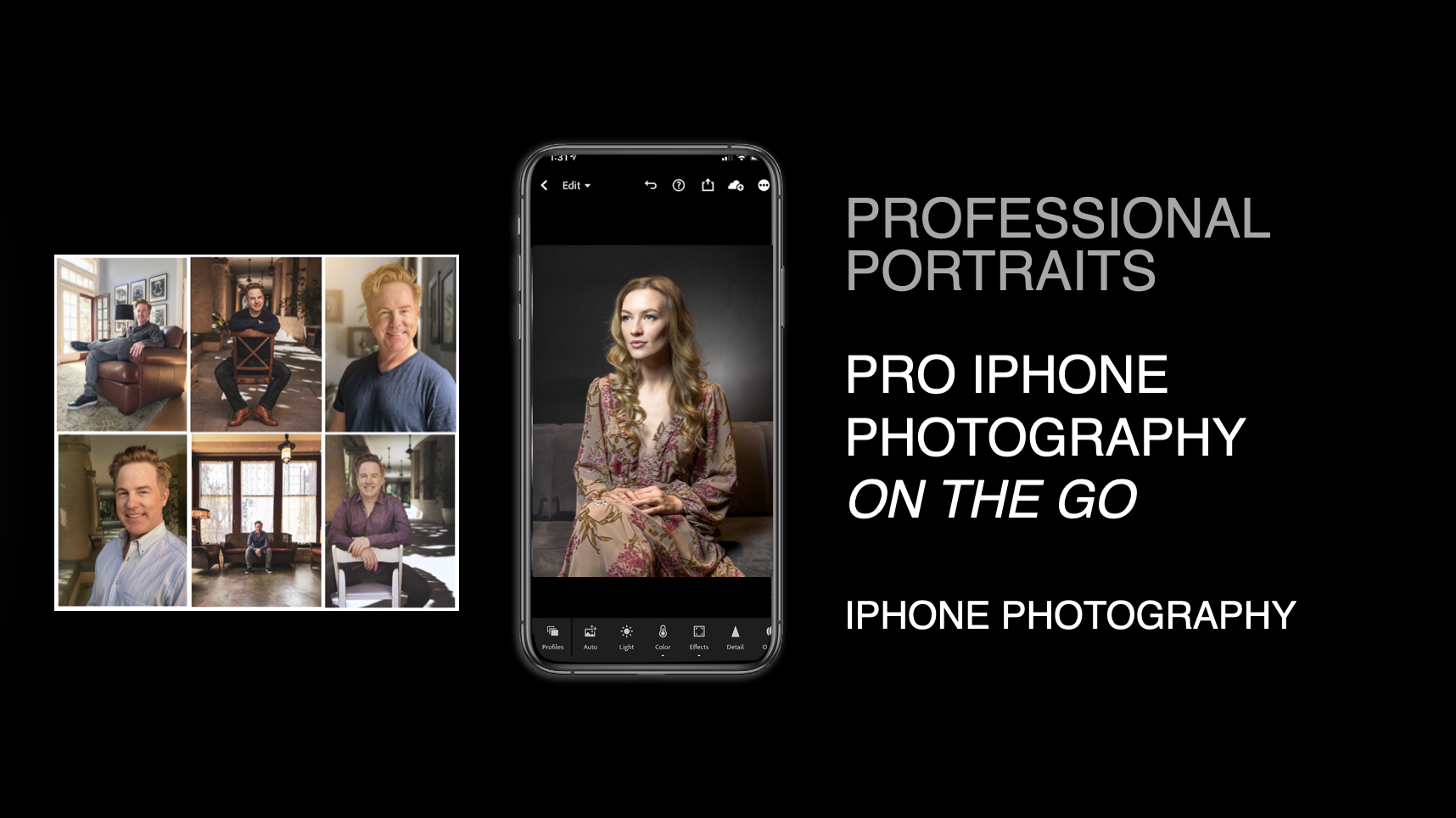
In this 1 hour class, you’ll learn how to create beautiful, flattering portraits using just your iPhone and a lightweight, mobile-friendly setup. We’ll cover how to get great light, strong composition, and natural expression—then use built-in iPhone tools and apps to polish your images fast, anywhere. You’ll walk away with a repeatable portrait process that’s perfect for travel, street shooting, families, seniors, or quick client sessions.
You’ll learn:
How to get “studio-looking” light anywhere using window light, shade, reflectors, and tiny portable lights—no heavy gear required
iPhone camera + app techniques for portraits (Portrait mode, exposure/focus control, lens choices, depth, and simple retouching)
A lightweight portrait kit & workflow: what to pack, how to direct subjects quickly, and how to shoot/edit/share in one smooth mobile process
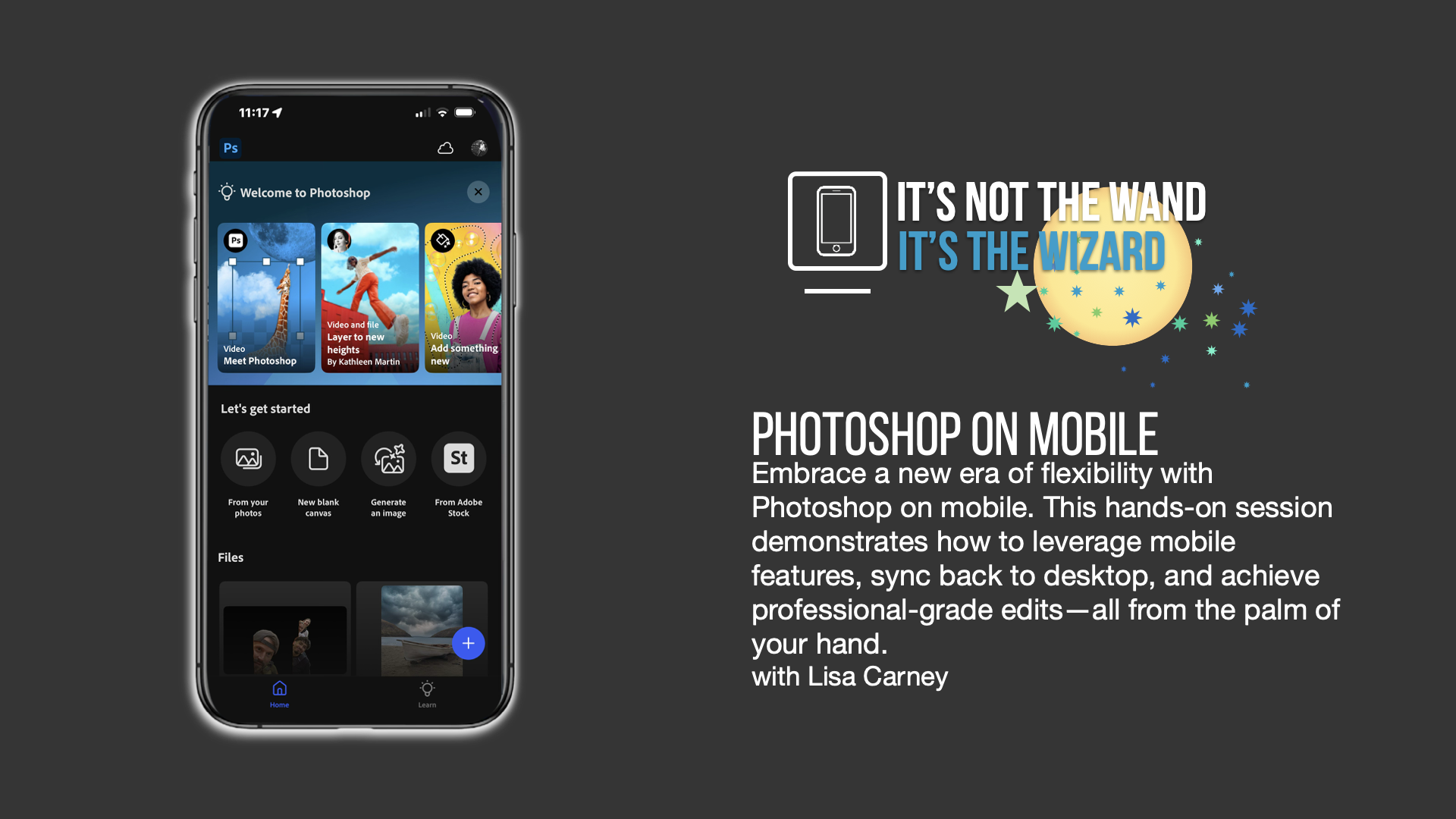
Photoshop on Mobile — The “Why,” Layers, and Compositing Power
Focus: why Photoshop belongs in a mobile workflow; layers, compositing, and Generative Expand
Format: 45-minute lecture
You’ll learn to:
Understand the core “why Photoshop”: when LR is perfect—and when PS is the right tool
Work with layers and layer-based thinking on mobile for flexible, non-destructive builds
Composite images cleanly: blend elements, control edges, and make pieces feel like they belong together
Use Generative Expand to extend frames, fix tight crops, and create layout-friendly compositions